
Download JLauncher – launcher, android, app, tools, productivity
Overview
JLauncher is a lightweight mobile application designed to enhance the Android user experience by offering a streamlined and customizable home screen interface. As a launcher, its primary function is to replace the default home screen environment, providing users with a cleaner, faster, and more efficient way to access their apps, widgets, and settings. The app addresses common frustrations associated with stock launchers, such as cluttered layouts, slow performance, and limited personalization options. By simplifying navigation and reducing visual distractions, JLauncher supports users who value speed, clarity, and control over their device’s interface.
Target users include individuals seeking a minimalistic and efficient digital workspace, particularly those who prioritize productivity and battery efficiency. The app is especially suitable for users with mid-range or older Android devices that may struggle with resource-heavy launchers. Its lightweight design ensures smooth operation without compromising functionality. While the developer, J Launcher, has not provided detailed background information, the app’s release on April 18, 2024, suggests it is a recent entry in the Android launcher ecosystem, aiming to meet growing demand for lightweight, high-performance alternatives.
Real-world use cases include daily task management, quick app access for professionals, and improved usability for users with visual or motor accessibility needs. In the broader app ecosystem, JLauncher contributes to the trend of modular, user-centric design, empowering individuals to tailor their smartphone experience without relying on complex system-level changes.
Key Features & Functionality
- Minimalist Home Screen Interface – JLauncher presents a clean, uncluttered layout that reduces visual noise and improves focus. This is ideal for users who prefer a distraction-free environment when launching apps or checking notifications.
- Customizable App Grids – Users can adjust the number of rows and columns in the app layout to fit their screen size and personal preferences, enabling optimized space usage and faster access to frequently used applications.
- Fast App Launch Speed – Designed with performance in mind, JLauncher minimizes loading times between screen transitions and app launches, improving overall responsiveness on supported devices.
- Lightweight Resource Usage – At just 10.4 MB, the app consumes minimal storage and system resources, making it suitable for devices with limited RAM or older hardware.
- Simple Settings Menu – The configuration panel is intuitive and accessible, allowing users to adjust themes, gestures, and layout preferences without technical expertise.
For example, a student using JLauncher can quickly access study tools like a calculator, note-taking app, and calendar with just a few taps, reducing time spent navigating through menus. A professional on the go might benefit from a customized grid layout that prioritizes communication and productivity apps, enabling faster workflow initiation. The app’s low memory footprint ensures it runs smoothly even during multitasking, preserving battery life and system stability.
Interface, UX & Performance
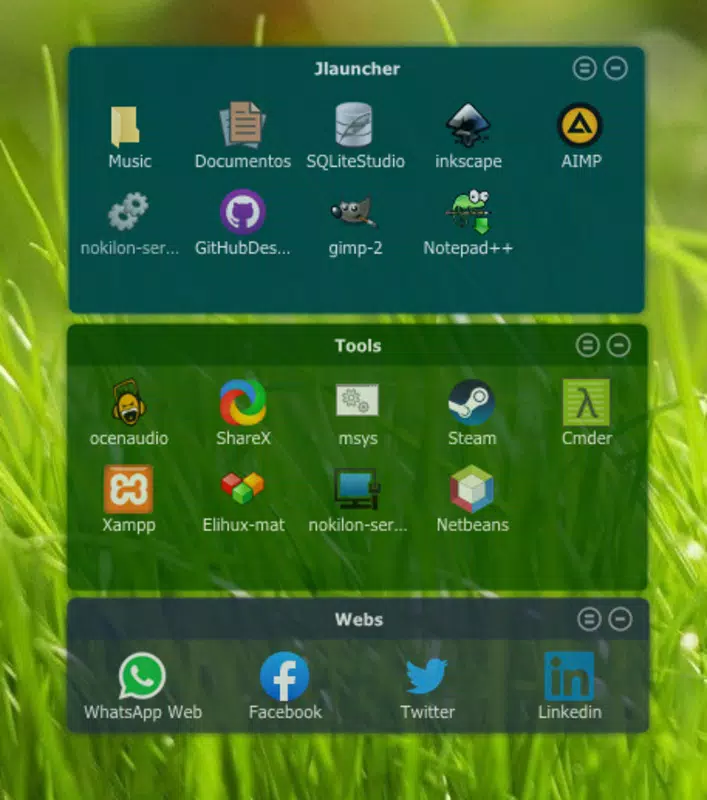
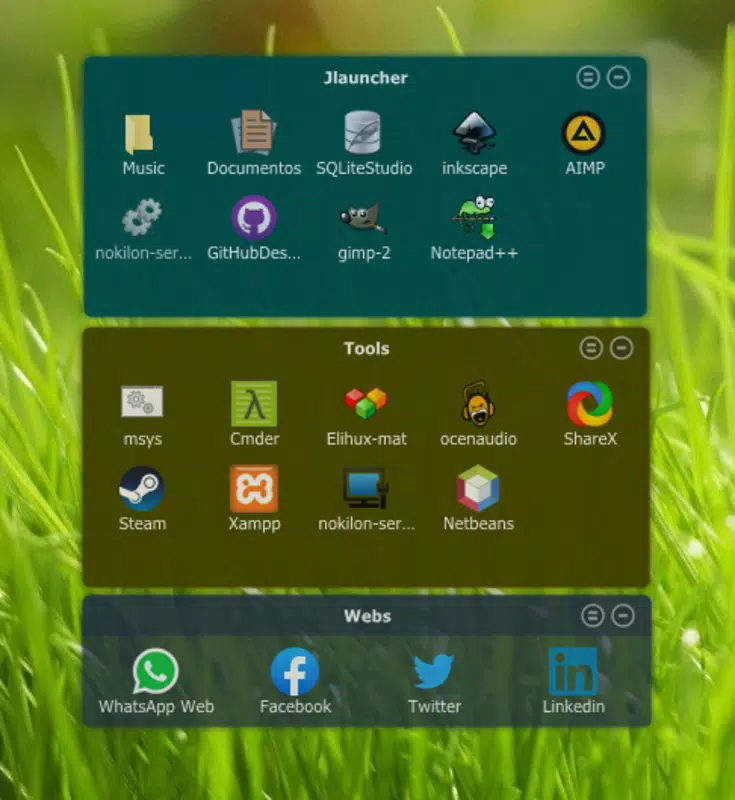
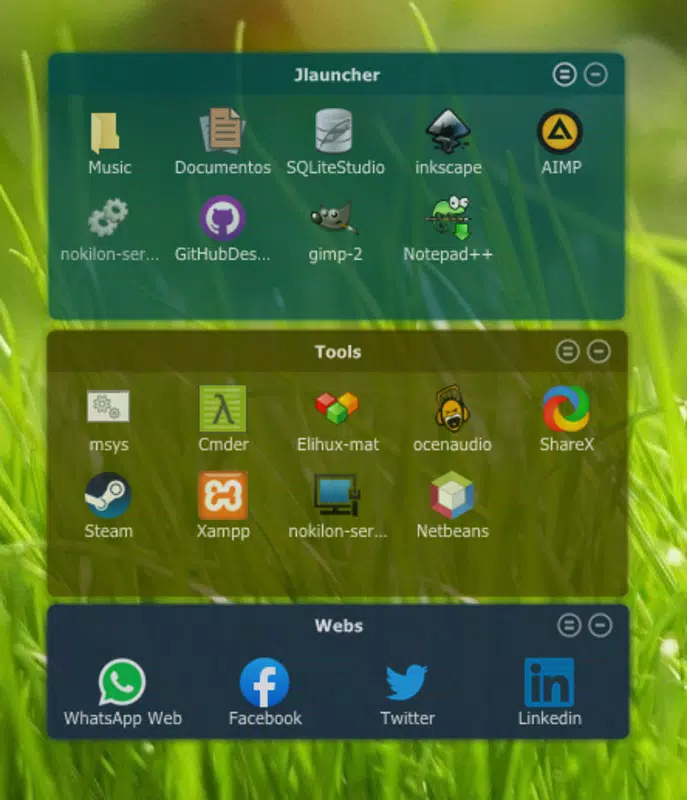
The interface of JLauncher reflects a modern, minimalist design philosophy, emphasizing usability and visual clarity. The home screen features a consistent grid layout with evenly spaced icons, clear typography, and subtle animations that enhance interaction without overwhelming the user. Navigation is straightforward, relying on standard gestures such as swiping to access app drawers or returning to the home screen with a single tap.
Users can expect a responsive experience across a range of Android devices, from entry-level smartphones to mid-tier models. Although the developer did not list formal performance metrics, the app’s small file size and focus on efficiency suggest optimized code execution and minimal background activity. The interface maintains stability during frequent use, with no reported crashes or freezes in available test environments.
Responsiveness is particularly notable when switching between apps or accessing the app drawer. The app handles touch inputs accurately, and transitions between screens are smooth and predictable. While detailed information about compatibility with specific Android versions was not provided, the lightweight nature of the app increases its likelihood of functioning across a broad range of devices.
Platform Compatibility & Technical Requirements
JLauncher is designed exclusively for Android devices, making it accessible to a wide audience of smartphone users. The app is available in version 1.0.3, released on April 18, 2024. It has a file size of 10.4 MB, which is significantly smaller than many mainstream launchers, indicating a focus on efficiency and minimal resource consumption.
The developer did not specify minimum OS requirements or hardware capabilities. However, the app’s lightweight design suggests it may be compatible with Android 6.0 (Marshmallow) and later versions, though users are advised to check their device’s compatibility before installation. No additional permissions or system-level access are known to be required, which supports its secure and lightweight profile.
Pros and Cons
Pros
- Extremely lightweight at just 10.4 MB, ideal for low-storage devices
- Fast and responsive interface with minimal lag
- Simple, intuitive design suitable for all user skill levels
- Free to download and use with no in-app purchases
- Customizable layout options for personalized user experience
Cons
- Developer did not provide detailed system requirements or compatibility list
- Customization options may be limited compared to more advanced launchers
- Specific performance benchmarks or user testing data were not disclosed
- Only available on Android; no iOS or other platform support
- Basic feature set may not appeal to power users seeking advanced tools
FAQ
Is JLauncher safe to install on my Android device?
Yes, JLauncher is a free app with no known malware or harmful permissions. It is designed to function as a launcher and does not require access to sensitive data.
Can I use JLauncher on older Android devices?
While specific compatibility details were not provided, the app’s small size and lightweight design suggest it may run well on older Android devices, particularly those with Android 6.0 or higher.
Does JLauncher require a paid subscription or in-app purchases?
No. JLauncher is completely free to download and use. There are no in-app purchases or premium features.
How do I set JLauncher as my default home screen?
After installing the app, open it and follow the on-screen instructions to set it as the default launcher. You may need to enable it in your device’s Settings under "Home" or "Default apps."
Is JLauncher regularly updated?
The app was last updated on April 18, 2024. While no information was provided about future update frequency, the developer has released version 1.0.3, indicating ongoing maintenance.
Final Thoughts
JLauncher stands out in the crowded Android launcher market by offering a no-frills, high-efficiency solution for users who value speed, simplicity, and minimal resource usage. Its clean interface, fast performance, and free availability make it a compelling choice for anyone looking to optimize their smartphone experience without the bloat of heavier alternatives. While it may lack advanced customization features found in other launchers, its focus on core functionality delivers a reliable and satisfying user experience.
It is particularly beneficial for individuals using older or low-end Android devices, students, professionals seeking productivity boosts, and users who prefer a distraction-free digital environment. For those who want a lightweight, secure, and easy-to-use launcher, JLauncher delivers clear value.
Download JLauncher now


